


Amrev Software is a file storage tool listed on SitePatent, available at amrevsoftware.com. Added in 2026. Recover deleted and lost files from Windows.
Amrev Data Recovery is a Windows data recovery software designed to recover deleted and lost files from hard drives, SSDs, USB drives, memory cards, and other storage devices. It can recover photos, videos, documents, audio files, archives, and other common file types. Users can choose specific file types to scan, preview recoverable files before saving, and select only the files they need. Key...
- Category
- File Storage
- Domain
- amrevsoftware.com
- Added
- Domain Rating
- DR 25
Amrev Software Preview
Open in new tab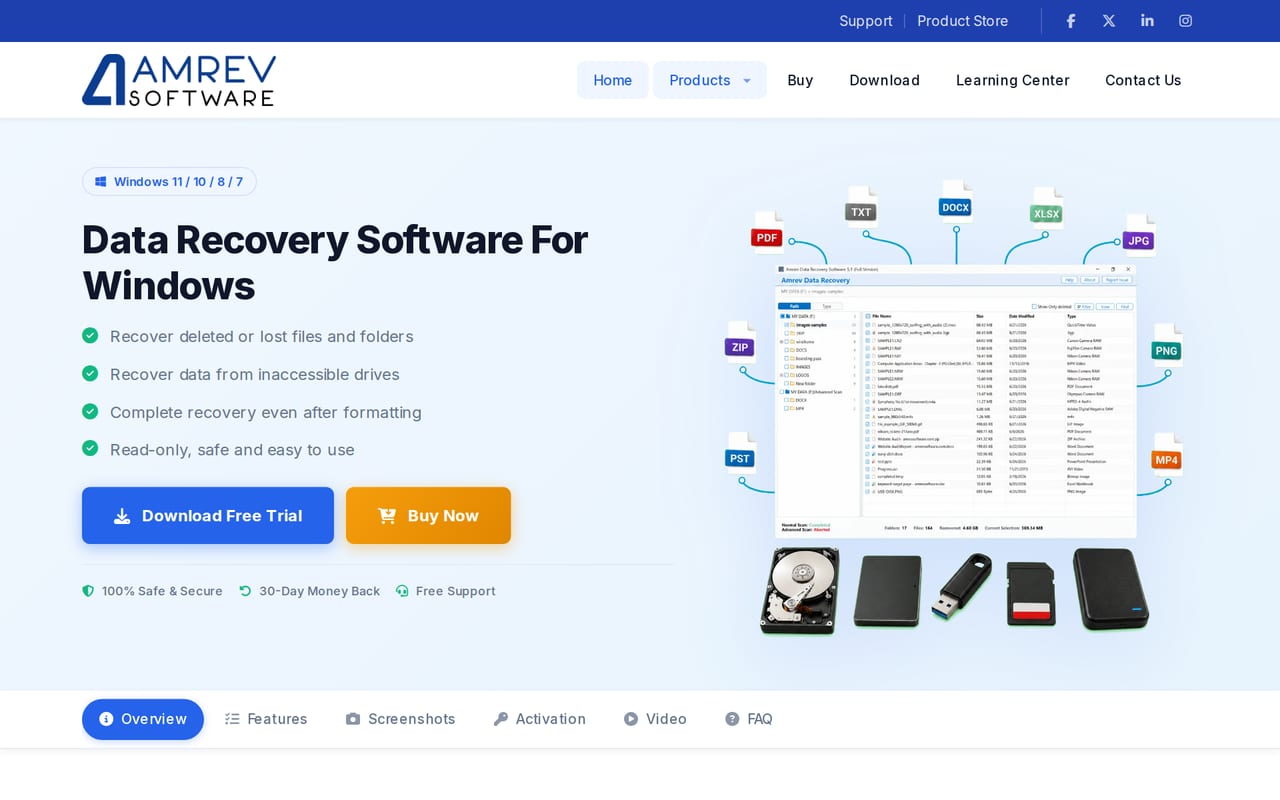
About Amrev Software
Amrev Data Recovery is a Windows data recovery software designed to recover deleted and lost files from hard drives, SSDs, USB drives, memory cards, and other storage devices.
It can recover photos, videos, documents, audio files, archives, and other common file types. Users can choose specific file types to scan, preview recoverable files before saving, and select only the files they need.
Key features:
• Recover deleted and lost files
• Recover data from hard drives, SSDs, USB drives, and memory cards
• Normal Scan and Advanced Scan options
• Preview files before recovery
• Recover photos, videos, documents, audio, and other file types
• Save and reopen scan results
• Read-only scanning to protect the source drive
• Simple Windows interface
• Compatible with Windows 11 and Windows 10
Amrev Data Recovery provides a straightforward way to recover files lost due to accidental deletion, an emptied Recycle Bin, Shift+Delete, and other common data-loss situations.
Reviews
Reviews
Theo Marsh
2mo ago
Really enjoying Amrev Software
Reliable Data Recovery Software for Windows | Amrev Software: Recover deleted files from hard drive Windows systems, USBs, memory cards, and other sto. I've been using this for a bit and really appreciate how well it's put together. The interface is clean and it does exactly what it promises. Nice work by the team.
Sam Chen
1d ago
Does what it says
I was skeptical of the free pricing so I checked the fine print, and the read-only scan approach is the real deal: it doesn't write to the drive you're recovering from, which is the first thing I look for. Pulled a batch of deleted photos off a 64GB SD card and a few project files off an old NTFS partition without any fuss, and the preview before recovery saved me from restoring junk. The learning curve is basically zero if you've used any Windows file dialog, though I'd like clearer docs on exactly what the free tier caps and whether there's a size limit before you're asked to pay. Windows only for now, so Mac and Linux folks will need to look elsewhere.


