
Screenshot & Screen Recording Chrome Extension — FramioCam is a developer tools tool listed on SitePatent, available at framiocam.com. Built with React. Added in 2026. The screenshot and screen recording Chrome extension: capture any tab, add backdrops and mockups…
FramioCam is an all-in-one screenshot and screen recording studio built directly into Chrome. Capture a visible tab, full webpage, selected area, browser tab, application window, or your entire screen. Then turn your raw capture into something ready to share with annotations, browser and device mockups, backdrops, highlights, blur, text, arrows, numbered steps, zoom effects, cursor effects, and...
- Category
- Developer Tools
- Domain
- framiocam.com
- Added
- Tech
- React
- Domain Rating
- DR 19
Screenshot & Screen Recording Chrome Extension — FramioCam Preview
Open in new tab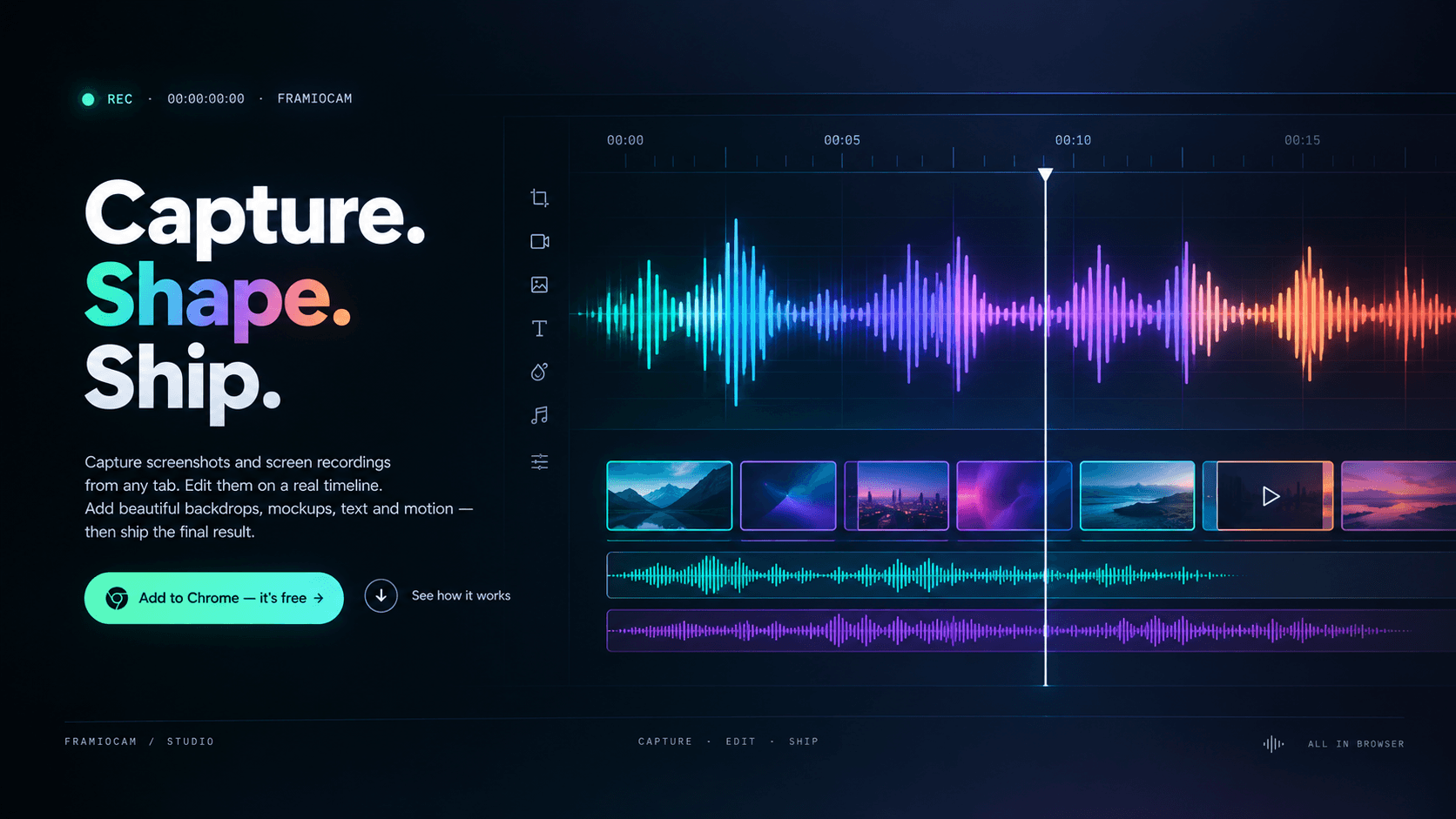
About Screenshot & Screen Recording Chrome Extension — FramioCam
FramioCam is an all-in-one screenshot and screen recording studio built directly into Chrome.
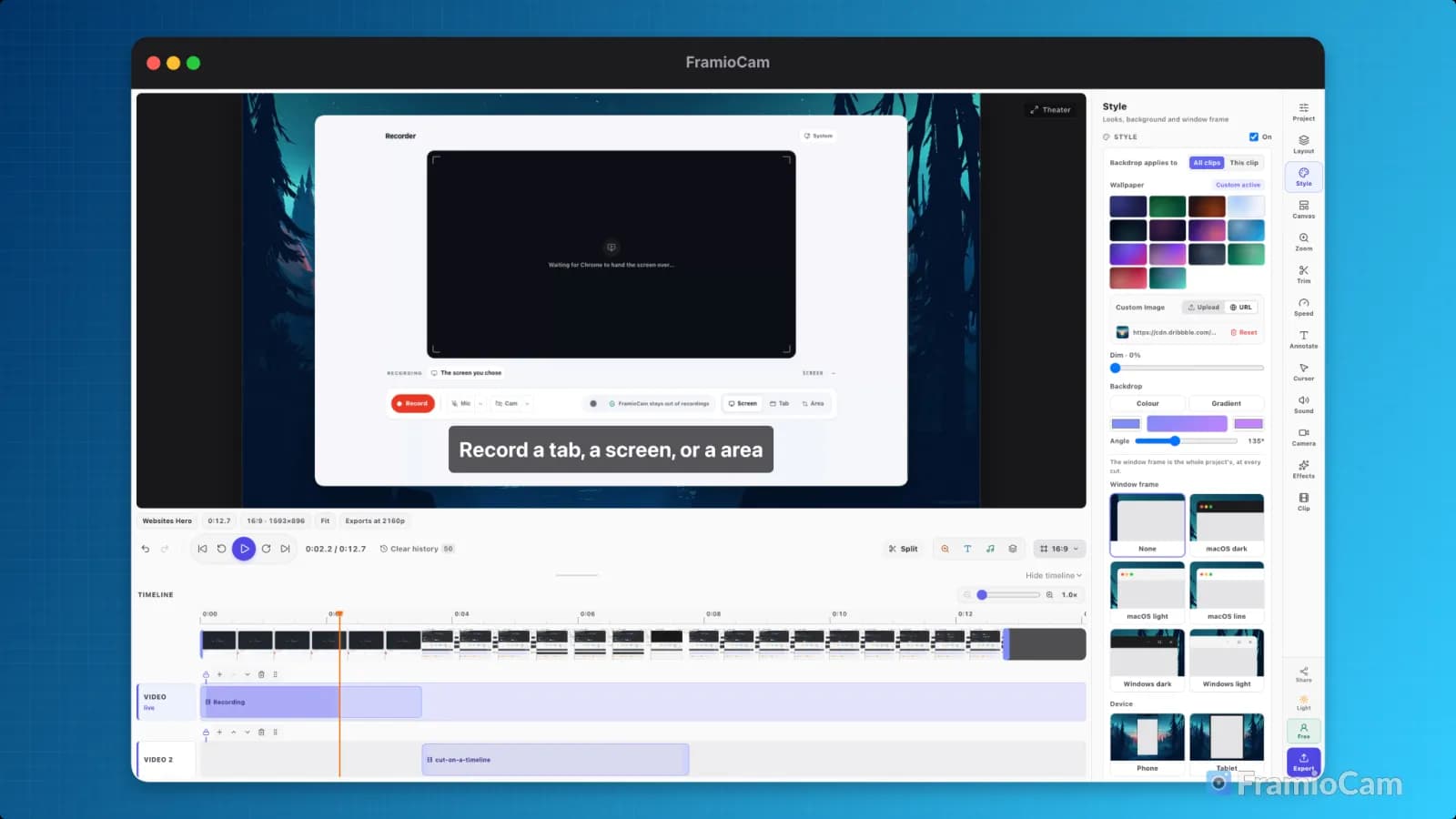
Capture a visible tab, full webpage, selected area, browser tab, application window, or your entire screen. Then turn your raw capture into something ready to share with annotations, browser and device mockups, backdrops, highlights, blur, text, arrows, numbered steps, zoom effects, cursor effects, and more.
Record your screen with microphone, camera, and system audio. Edit recordings on a real timeline with trim, split, transitions, fades, multiple clips, and webcam overlays.
Everything runs directly on your machine inside your browser. Your screenshots and recordings are processed locally and aren't uploaded to a remote server.
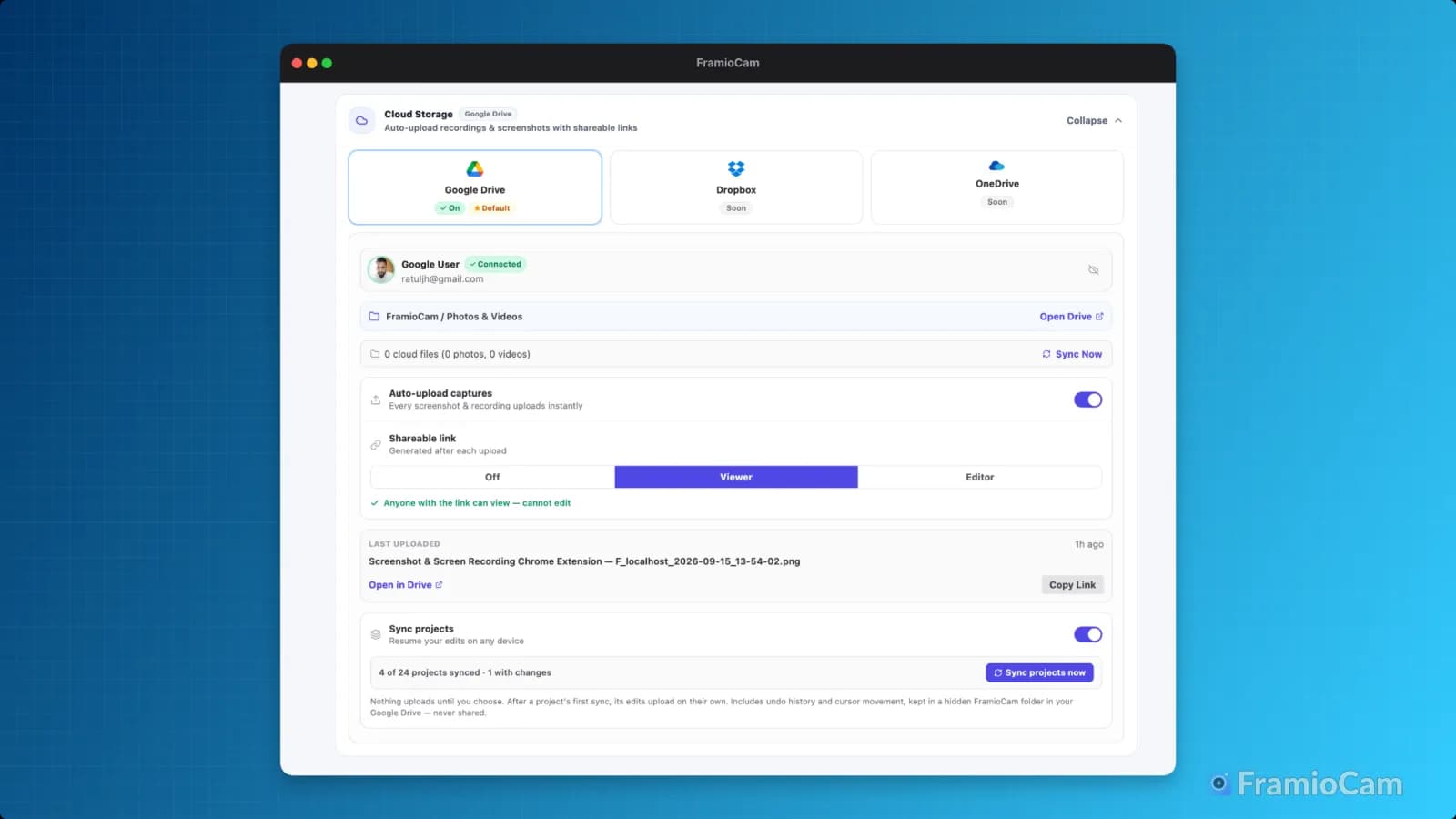
Export your work as PNG, GIF, MP4, WebM, and more, or keep your finished captures in your own cloud storage.
Capture. Edit. Explain. Share.
Reviews
Reviews
No reviews yet
Your review helps builders decide.
Tap a star to get started


