

OPAUTOCLICK is a productivity tool listed on SitePatent, available at opautoclick.com. Added in 2026. A Free, Portable Auto Clicker for Windows PC's.
OPAUTOCLICK Auto Clicker: The Fast, Free Way to Automate Your Mouse Clicks If you’ve ever spent an hour clicking the same button over and over, you already know why automation tools exist. An Auto Clicker takes that repetitive work off your hands. You set the click speed and location, press a hotkey, and the software does the rest. It’s simple and lightweight, and it works for gamers, office...
- Category
- Productivity
- Domain
- opautoclick.com
- Added
- Domain Rating
- DR 23
OPAUTOCLICK Preview
Open in new tab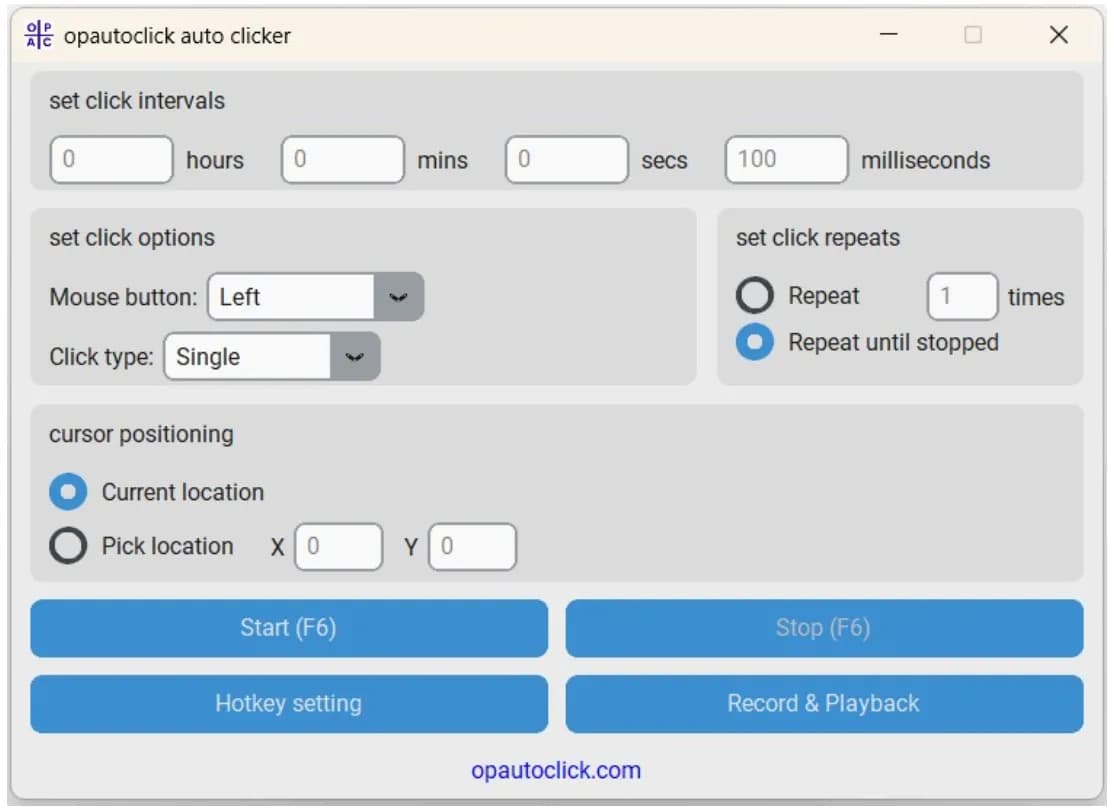
About OPAUTOCLICK
OPAUTOCLICK Auto Clicker: The Fast, Free Way to Automate Your Mouse Clicks
If you’ve ever spent an hour clicking the same button over and over, you already know why automation tools exist. An Auto Clicker takes that repetitive work off your hands. You set the click speed and location, press a hotkey, and the software does the rest. It’s simple and lightweight, and it works for gamers, office workers, and testers alike.
What Is an Auto Clicker?
An auto clicker is a small program that simulates mouse clicks automatically. OPAUTOCLICK Auto Clicker automates your mouse thousands of times, you tell the software how fast to click, and it keeps going until you tell it to stop.
Most versions let you adjust the click interval in milliseconds, so you can match the pace to the task. That might be a few clicks per second or hundreds.
Key Features Worth Knowing
A good auto clicker doesn’t need to be complicated. Here’s what most users look for:
Adjustable click speed: Set intervals in milliseconds, seconds, or minutes.
Click type options: Choose left, right, or middle clicks, plus single or double clicks.
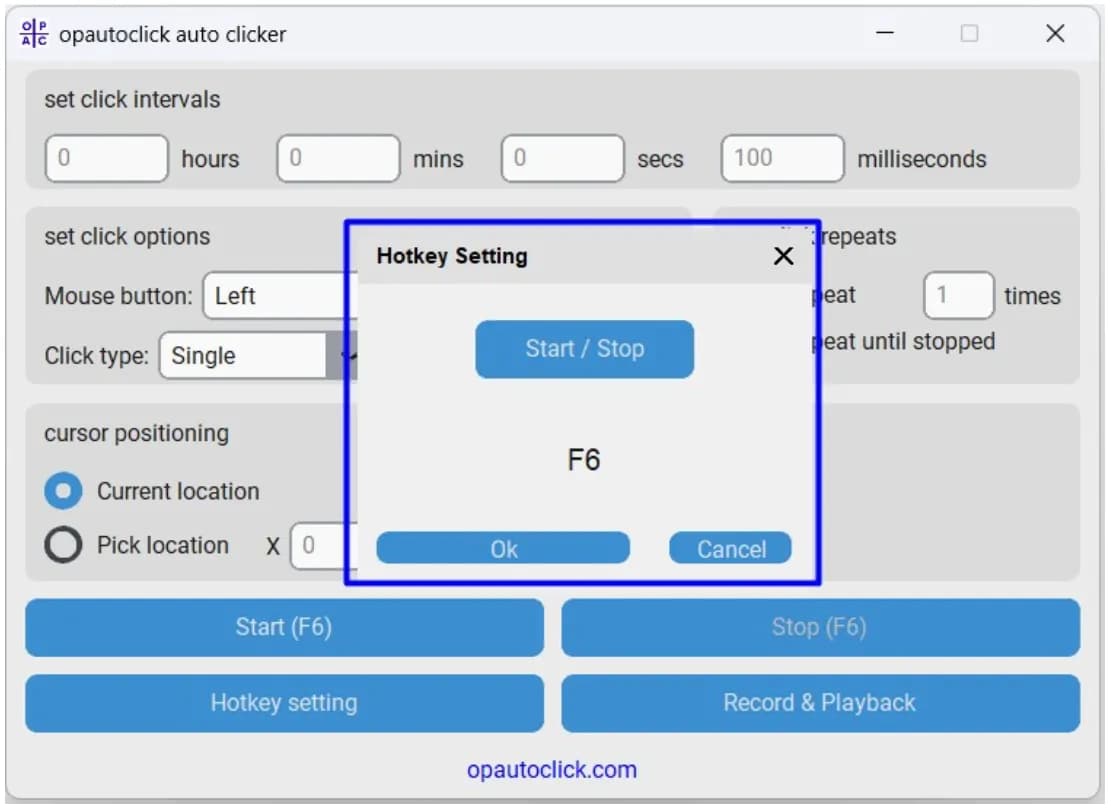
Custom hotkeys: Start and stop the clicker with a keyboard shortcut, so you never have to hunt for a button.
Fixed or current cursor position: Click wherever your pointer is, or lock onto a specific spot on screen.
Repeat controls: Run a set number of clicks or let it go until you stop it.
Who Uses an Auto Clicker?
Gamers use it for idle games, clicker games, and grinding tasks that would otherwise wear out their wrists. Office professionals use it for repetitive data entry or refreshing dashboards. Developers and QA testers rely on it to stress-test buttons, forms, and interfaces. And for people with repetitive strain concerns, automating clicks can reduce physical fatigue.
Finally, An OPAUTOCLICK auto clicker is a practical, no-fuss tool that saves time and effort on repetitive clicking. With adjustable speeds, custom hotkeys, and a light footprint, it fits a wide range of everyday tasks.
Reviews
Reviews
No reviews yet
Your review helps builders decide.
Tap a star to get started


