By 2029 the certificate behind the padlock on your website will need replacing about once a month, and Let's Encrypt already stopped sending its expiry reminder emails on 4 June 2025.
Short answer
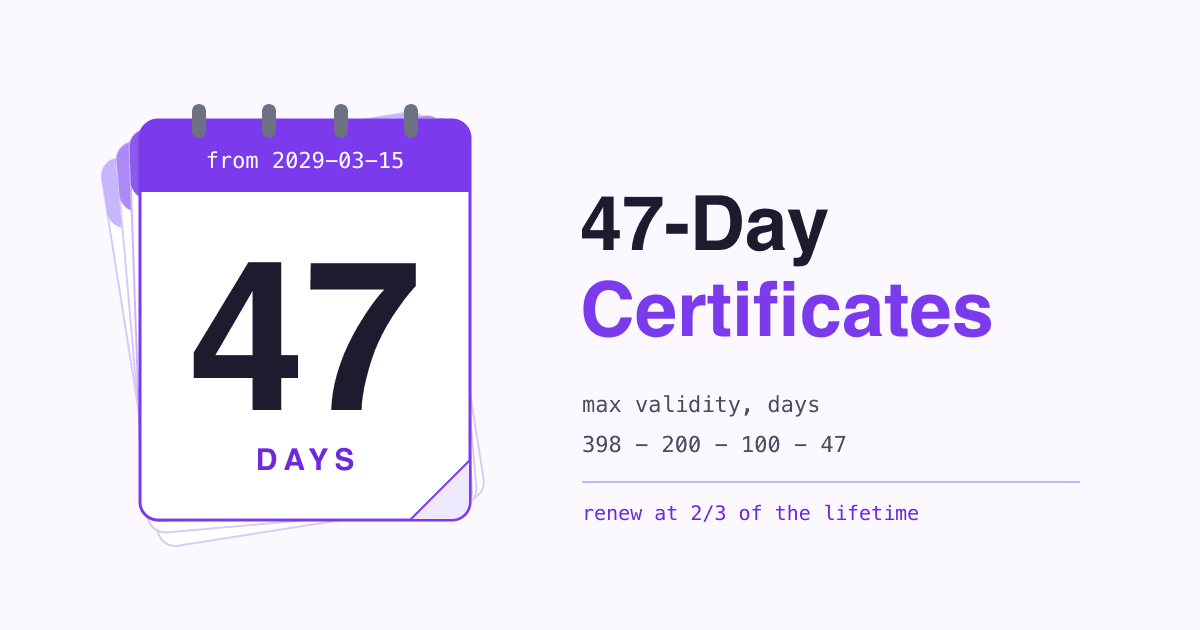
Under the CA/Browser Forum Baseline Requirements, section 6.3.2, a publicly trusted SSL/TLS certificate issued on or after 15 March 2026 may be valid for at most 200 days. The limit drops to 100 days on 15 March 2027 and to 47 days on 15 March 2029. If renewal is not automatic on your site yet, make it automatic now, and add an expiry check that does not depend on the tool doing the renewing.
What is changing, and when?
The browsers and the certificate authorities agreed on the schedule together. Ballot SC-081v3 passed in April 2025 with 25 certificate authorities in favour, none against and 5 abstaining, and all four browser makers in the vote (Apple, Google, Microsoft and Mozilla) voting yes (CA/Browser Forum). The limit applies by the day a certificate is issued, not the day it is used.
-
Before 15 Mar 2026
398
days at most. The old limit: roughly a year and a month.
-
15 Mar 2026 now
200
days at most. A domain check may be reused for 200 days.
-
15 Mar 2027
100
days at most. A domain check may be reused for 100 days.
-
15 Mar 2029
47
days at most. A domain check may be reused for 10 days.
Source: maximum validity periods from Baseline Requirements 6.3.2; domain validation reuse periods from section 4.2.1. A certificate issued before a cut-off date keeps its original end date.
Why are certificates getting shorter?
A certificate is a signed statement that a domain belonged to someone on the day it was checked. The ballot puts it this way: "Certificates are representations of a point in time state of reality." The longer one stays valid, the longer a stale statement can be used, for example after a domain changes hands.
The ballot also argues that revocation, the way to cancel a bad certificate early, does not work well enough on its own, and that "by reducing the validity period, the percentage of certificates revoked during their lifetime decreases" (SC-081v3). It expects shorter lifetimes to push more sites to automate issuance and replacement, which it counts as an extra benefit.
How often will I have to renew?
Let's Encrypt calls renewing at about two thirds of a certificate's lifetime acceptable timing (Let's Encrypt, December 2025). Applied to each limit, that turns about one renewal a year into about one a month.
| Certificate | Lifetime | Renew about every | Renewals a year |
|---|---|---|---|
| Any CA, issued before 15 Mar 2026 | 398 days | 265 days | 1.4 |
| Any CA, from 15 Mar 2026 | 200 days | 133 days | 2.7 |
| Any CA, from 15 Mar 2027 | 100 days | 67 days | 5.4 |
| Any CA, from 15 Mar 2029 | 47 days | 31 days | 11.8 |
| Let's Encrypt, default today | 90 days | 60 days | 6.1 |
| Let's Encrypt, from 10 Feb 2027 | 64 days | 43 days | 8.5 |
| Let's Encrypt, from 16 Feb 2028 | 45 days | 30 days | 12.2 |
Lifetimes from Baseline Requirements 6.3.2 and Let's Encrypt. "Renew about every" is two thirds of the lifetime, rounded to whole days, and "renewals a year" is 365 divided by that number; both are our arithmetic.
Does this change anything for my site?
It depends on how the certificate gets onto your server. Find your case below.
The certificate renews itself
Your host, CDN or server software requests a new certificate from a certificate authority over ACME, the protocol Let's Encrypt and others use, and installs it with no one involved.
- Little changes: renewals simply happen more often.
- Check that renewal really is automatic for every hostname,
wwwand subdomains included. - Add an outside expiry check anyway (step 5 below).
Someone buys and uploads it
You or your developer buy a certificate, prove you own the domain, and paste the files into a hosting panel or server.
- This is the case the new limits hit: a "1-year" purchase no longer means one certificate a year.
- SSL.com, for example, says its 12-month term "will require at least one mid-term reissuance" (SSL.com).
- At 47 days, hand renewal means roughly a job a month. Plan to automate it.
What are the common mistakes?
MythI paid for a one-year certificate, so I renew once a year.
FactNo certificate issued since 15 March 2026 may be valid for more than 200 days (BR 6.3.2). A one-year purchase now covers two or more certificates.
MythMy current certificate stops working on the next cut-off date.
FactThe limits apply to certificates issued on or after each date. One issued earlier stays valid until its own end date.
MythLet's Encrypt will email me before my certificate expires.
FactLet's Encrypt ended its expiry reminder emails on 4 June 2025 and points people to third-party monitoring instead (Let's Encrypt).
MythA scheduled job that renews every 60 days is enough.
FactFor 45-day certificates, Let's Encrypt says "renewing at a hardcoded interval of 60 days will no longer be sufficient" (Let's Encrypt).
What should I do before the next cut-off?
Seven steps, in order. The first two only need a browser.
-
List every certificate you have
Your main domain,
www, and every subdomain: shop, mail, booking, staging. Public certificates are recorded in Certificate Transparency logs, which let domain owners see "which CAs have issued which certificates, when, and for which domains" (certificate.transparency.dev). Searching your domain on crt.sh shows that list. -
Write down who issues each one and when it expires
The browser shows the dates when you open the certificate details from the address bar. From a terminal, the command below prints the end date, shown here with an example result (the
-enddateoption is described in the OpenSSL x509 manual):openssl s_client -connect example.com:443 -servername example.com </dev/null 2>/dev/null | openssl x509 -noout -enddate notAfter=Mar 30 12:00:00 2027 GMT -
Make renewal automatic
Ask your host whether it issues and renews certificates for you. If it does not, move to one that does or run an ACME client on the server. Let's Encrypt is blunt about the alternative: "Manually renewing certificates is not recommended" (Let's Encrypt).
-
Let the certificate authority set the timing
ACME Renewal Information (ARI), published as RFC 9773 in June 2025, lets the certificate authority suggest when your client should renew. Certbot added ARI support in version 4.1.0 (Certbot release notes). Without ARI, renew at about two thirds of the lifetime rather than on a fixed number of days.
-
Watch expiry from the outside
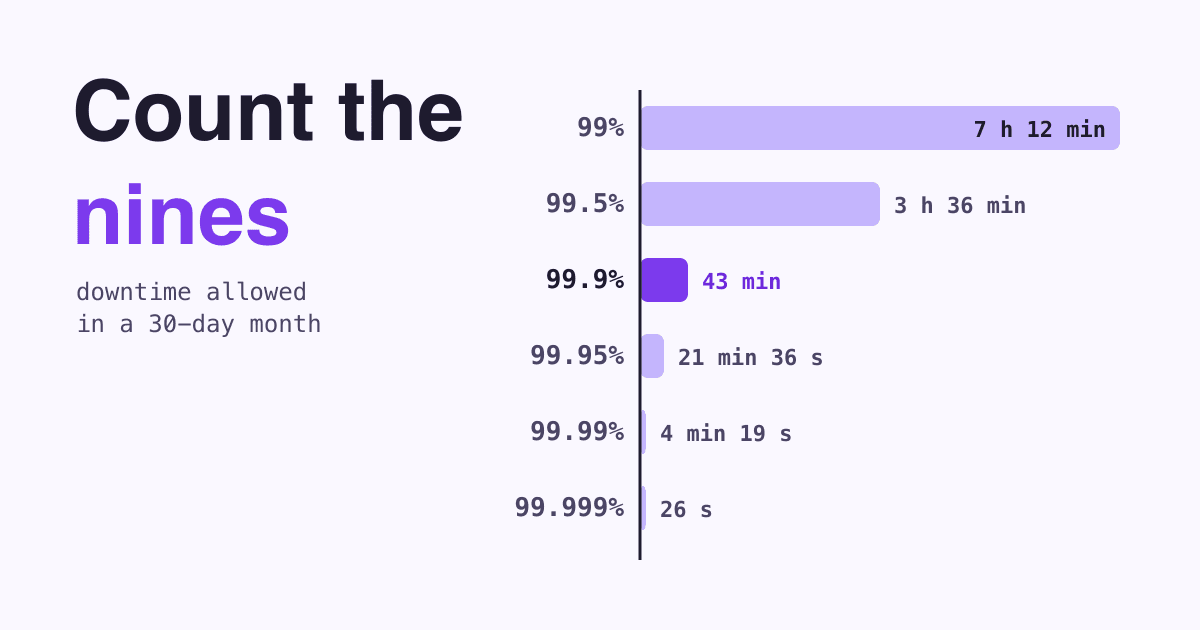
If the renewal tool fails quietly, nothing else warns you. Add a monitoring service that alerts you before a certificate expires. Let's Encrypt names Red Sift Certificates Lite, free for up to 250 certificates as of January 2025, among the options (Let's Encrypt).
-
Put bought certificates on a calendar until they are automated
Ask the vendor how reissues work inside your paid term and what each one needs from you, then add every reissue date to a shared calendar.
-
Prepare for a domain check almost every time
From 15 March 2029 a domain validation can be reused for 10 days only (BR 4.2.1), so nearly every renewal will need a fresh check. A check your server or DNS provider passes automatically keeps that invisible.
If a certificate does lapse
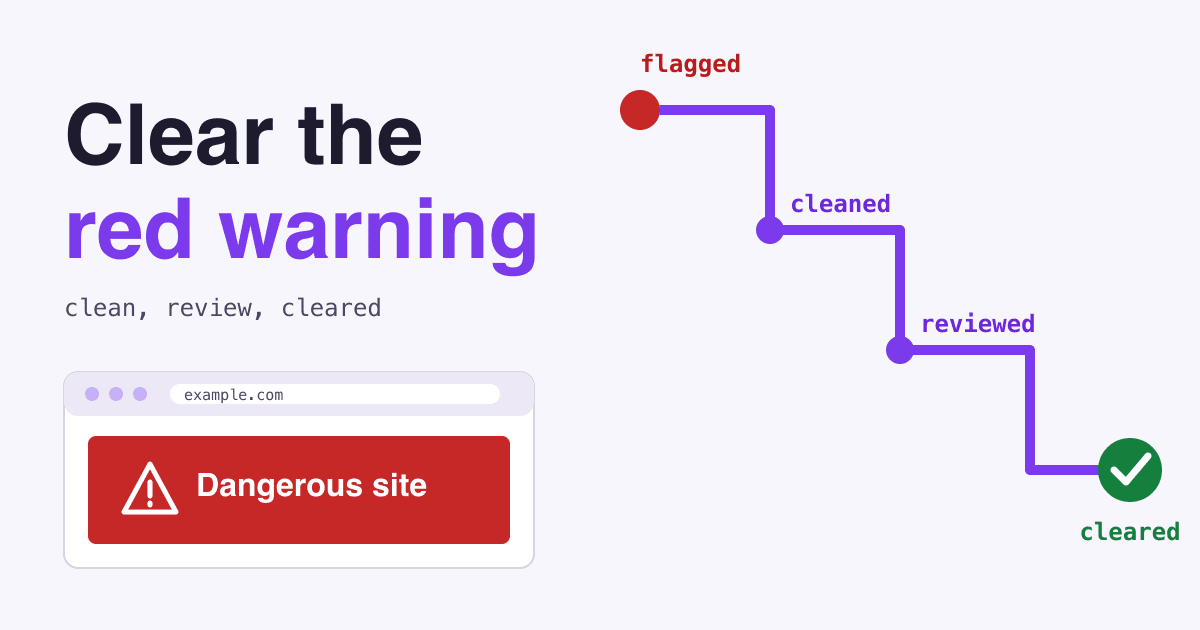
An expired certificate makes browsers show a full-page warning such as "Your connection is not private" instead of your site, and the site owner has to renew or replace the certificate to clear it (SiteGround, Google Chrome Help).
Which terms do I need to know?
- SSL/TLS certificate
- A file signed by a certificate authority that tells a browser your site really is your domain. It is what turns
httpintohttpsand shows the padlock. - Validity period
- The time between a certificate's start and end dates. The 200, 100 and 47 day limits cap it.
- ACME
- The protocol that lets software request, prove and install certificates with no one involved.
- ARI
- ACME Renewal Information: the certificate authority's suggested renewal window, read by the ACME client.
- Domain control validation
- The check that you control the domain, usually a file on the site or a DNS record. Its result can be reused for a limited time.
- CA/Browser Forum
- The group of certificate authorities and browser makers that writes the Baseline Requirements every public certificate must meet.
Questions site owners ask
Do free certificates follow the same limits?
Yes. The limits cover every publicly trusted SSL/TLS server certificate, free or paid. Let's Encrypt certificates already last 90 days and will drop to 64 days in February 2027 and 45 days in February 2028 (Let's Encrypt).
My host says HTTPS is included. Do I need to do anything?
Check two things: that the host renews the certificate itself for every domain and subdomain you use, and that something outside the host warns you if it ever does not. Then you are done.
Will shorter certificates cost more?
It depends on the vendor. SSL.com, for one, says a reissue inside the same 12-month term has "no additional charge" (SSL.com). Ask yours before the term renews.
Can I keep a certificate longer if I renew before the cut-off?
Only for a few months, once per step. At each cut-off, a certificate issued the day before still gets the old limit: up to 200 days if issued before 15 March 2027, and up to 100 days if issued before 15 March 2029. After that, every new certificate gets the shorter limit, so renewing early only delays each change by one certificate's lifetime.
Sources
- Baseline Requirements for the Issuance and Management of Publicly-Trusted TLS Server Certificates, CA/Browser Forum, sections 6.3.2 and 4.2.1.
- Ballot SC-081v3: Introduce Schedule of Reducing Validity and Data Reuse Periods, CA/Browser Forum, April 2025.
- Decreasing Certificate Lifetimes to 45 Days, Let's Encrypt, December 2025.
- Ending Support for Expiration Notification Emails, Let's Encrypt, January 2025.
- RFC 9773: ACME Renewal Information (ARI) Extension, IETF, June 2025.
- Certbot 4.1.0 release, Let's Encrypt community forum, June 2025.
- SSL Certificate Validity Changes: What You Need to Know, SSL.com.
- Certificate Transparency, certificate.transparency.dev.
- openssl-x509, OpenSSL documentation.
- Check if a site's connection is secure, Google Chrome Help.
- NET::ERR_CERT_DATE_INVALID - 7 Ways to Fix it, SiteGround Knowledge Base.
- All pages read on 2026-10-20.