Every page of your website ends on the same strip, so whatever sits in it is read on your busiest page and your quietest one alike.
A small business footer needs four parts on every page: your business name and postal address, a way to reach a person (email or phone), a link to your privacy policy, and a short row of links to your main pages. Sell from the EU or the UK and the name, address and email are a legal duty; run a commercial site in Germany and a legal notice (Impressum) link joins them. A cookie settings link, a copyright line, social links and a newsletter box are optional. Keyword lists of towns, keyword-rich designer credits and tiny grey text should stay out.
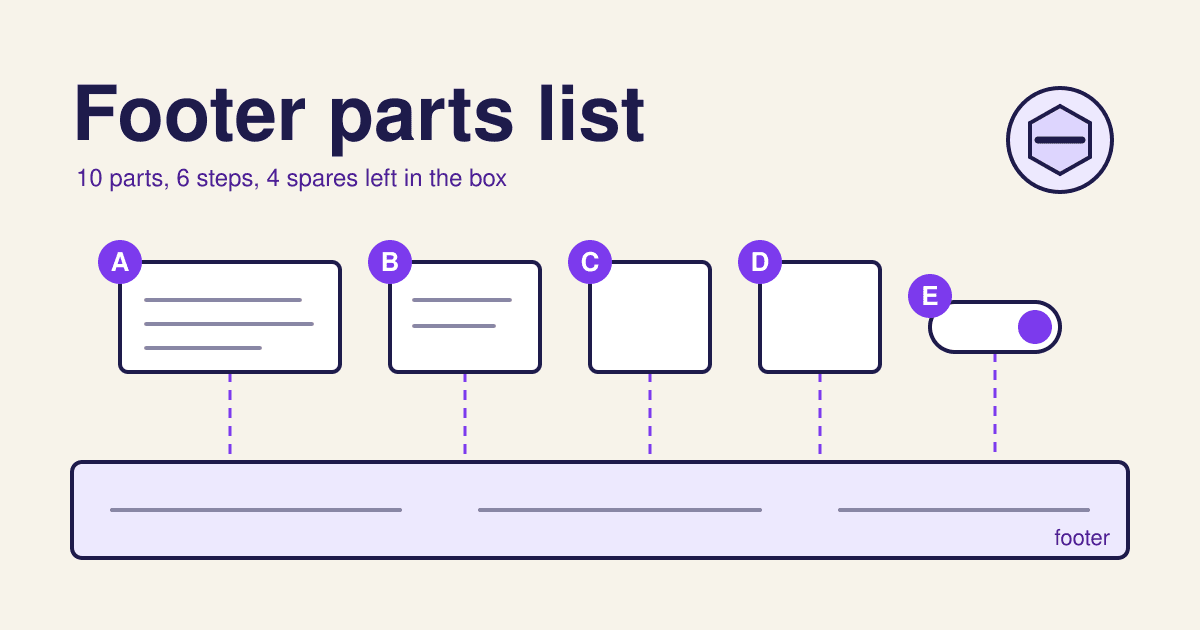
The parts list: ten pieces, A to J
Count your footer against this list the way you would count the bag of parts before building a shelf. The first column says who needs the part; the last says why, with the source.
| Part | Name | Qty | Who needs it | Why, and the source |
|---|---|---|---|---|
| A | Business name and postal address | x1 | Every business site; a legal duty in the EU and UK | The EU e-commerce rules ask an online service provider for its name and the geographic address where it is established, "easily, directly and permanently accessible" (Directive 2000/31/EC, Article 5; the UK kept the same list in regulation 6 of the 2002 Regulations). A footer on every page is the plainest way to meet "permanently". |
| B | Email, and a phone number if you take calls | x1 | Every business site; a legal duty in the EU and UK | The same article asks for details, "including his electronic mail address", that let people contact you "rapidly". WCAG 2.2 adds that contact details repeated across pages must sit in the same order relative to the rest of the page (Success Criterion 3.2.6, Consistent Help). |
| C | Legal notice (Impressum) link | x1 | Commercial sites run from Germany | The German Digital Services Act asks for this information to be "leicht erkennbar, unmittelbar erreichbar und ständig verfügbar": easy to spot, one click away, always there (DDG section 5). Leaving it out or getting it wrong can cost a fine of up to 50,000 euros (DDG section 33). |
| D | Privacy policy link | x1 | Any site with a form, a newsletter, analytics or a shop | Under the GDPR you must tell people who you are, why you collect their data and how to reach you "at the time when personal data are obtained" (Article 13). A link on every page puts that one click from every form. |
| E | Cookie settings link | x1 | Sites that ask for cookie consent | The GDPR says it must be "as easy to withdraw as to give consent" (Article 7(3)). A banner that never comes back gives the visitor no way to change their mind; a footer link that reopens it does. |
| F | Links to your main pages | x4 to x6 | Every site | Nielsen Norman Group found people use the footer as "a last resort for hard-to-find content" and as "a second chance to be convinced" after reading a page (Web Page Footers 101). Four to six plain labels cover both: services, prices, about, contact, and one secondary task such as jobs. |
| G | Terms and returns links | x1 each | Shops and booking sites | The pages a buyer looks for after checkout. Keep them next to the privacy link so the legal row reads as one group. |
| H | Copyright line | x1 | Optional | "Copyright notice is optional for works published on or after March 1, 1989" in the US, says the US Copyright Office, Circular 3. If you keep one, its three parts are the symbol or word, the year of first publication and the owner's name; it does not have to change every January. |
| I | Social profile links | x1 to x3 | Optional | Nielsen Norman Group lists them among common footer parts (Web Page Footers 101). Link only the profiles you post on; a dead profile tells a visitor the business has gone quiet. |
| J | Newsletter sign-up | x1 | Optional | Worth the space only if you send a newsletter people asked for. A sign-up box makes part D required, because it collects an email address. |
Assembly: six steps, in this order
The order matters more than the colour. Contact first, legal last, and nothing built from script.
-
1 Start with the footer element
the frame
Wrap the whole strip in
<footer>at the end of the page. Browsers expose it to screen readers as the page's contentinfo landmark, so someone using one can jump straight to your address and links (MDN, the footer element). -
2 Fit the contact block first
A, B
Name, street address, email and phone go in the first column, in the same order on every page. That consistent order is what WCAG 2.2 asks for, and it is also where a returning visitor's eye goes. Write the address as text, not as an image, so it can be copied into a map.
-
3 Add four to six page links
F
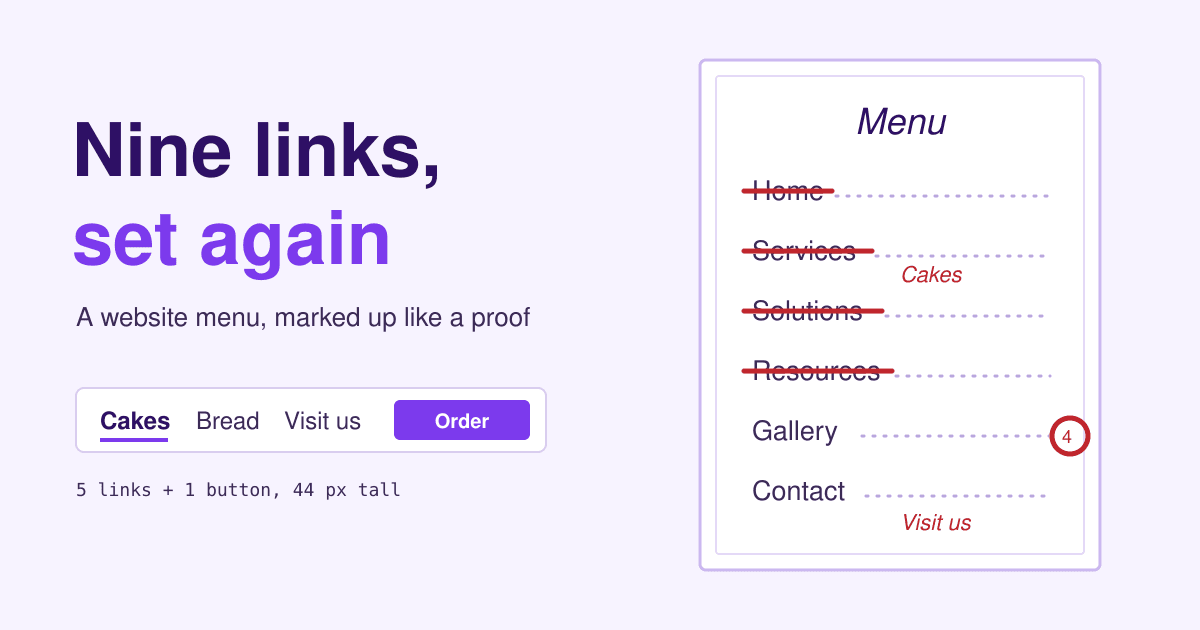
One short column, the labels people would type: Prices, not Solutions. If your top menu already carries these pages, repeating them here is fine; the footer catches the reader who has scrolled to the end and does not want to scroll back.
-
4 Close with the legal row
C, D, E, G, H
One line at the very bottom: legal notice, privacy, cookie settings, terms, then the copyright line. Readers who need these know to look at the bottom edge, and nobody else is slowed down by them.
-
5 Size and colour for reading, not hiding
all
Every link needs a target of at least 24 by 24 CSS pixels, or that much space around it (WCAG 2.2, 2.5.8 Target Size Minimum), and text needs a contrast of at least 4.5 to 1 with its background (1.4.3 Contrast Minimum). Pale grey 11 px type on a dark grey strip fails both.
-
6 Use plain links
C, D, F, G, I
Every footer link should be an
<a href="...">. "Generally, Google can only crawl your link if it's an <a> HTML element ... with an href attribute," and links that work only through script events are not reliably followed (Google Search Central, crawlable links). The one exception is the cookie settings button, which opens a panel and is not a page.
The fitted footer, in HTML
A made-up joinery shop at example.com, with every part from the list fitted. Copy it, change the words, and style it with your own colours.
<footer>
<section aria-labelledby="ft-contact">
<h2 id="ft-contact">Visit or call</h2> <!-- A, B -->
<p>Oak & Pine Joinery Ltd<br>
12 Mill Lane, Example Town, EX1 2AB</p>
<p><a href="mailto:[email protected]">[email protected]</a><br>
<a href="tel:+441234567890">01234 567890</a></p>
</section>
<nav aria-label="Footer"> <!-- F -->
<ul>
<li><a href="/kitchens">Kitchens</a></li>
<li><a href="/prices">Prices</a></li>
<li><a href="/about">About us</a></li>
<li><a href="/jobs">Jobs</a></li>
</ul>
</nav>
<p> <!-- C, D, E, H -->
<a href="/legal-notice">Legal notice</a>
<a href="/privacy">Privacy</a>
<button type="button" id="cookie-settings">Cookie settings</button>
<small>© 2019 Oak & Pine Joinery Ltd</small>
</p>
</footer>The cookie button needs one line of script from your consent tool to reopen its panel; check its documentation for the call. The year 2019 is the year the site first went up, which is the year a copyright notice names.
Leave in the box: four parts that do more harm than good
Many themes and page builders ship these. Each looks harmless at the bottom of a page, and each has a reason to stay in the bag.
-
A paragraph of towns you serve
"Plumber in Leeds, plumber in Bradford, plumber in Wakefield..." on every page. Google's spam policies name "blocks of text that list cities and regions that a web page is trying to rank for" as keyword stuffing (Google Search Essentials, spam policies). Give each area you really serve its own page with real content, and link to that page once.
-
A keyword-rich designer credit
"Cheap web design London by Studio X" in every client's footer is what Google calls "widely distributed links in the footers or templates of various sites", listed under link spam (spam policies). If your designer wants a credit, their plain studio name is enough, and you may say no.
-
Tiny grey text
Nielsen Norman Group describes old footers as "tiny text that was hardly legible" (Web Page Footers 101). The legal row is the part a buyer reads when deciding whether to trust you; set it at the size of your body text, or close to it.
-
A second copy of the whole menu
A mega menu pasted into the footer gives 40 links where 6 would do, and the reader who came to the bottom for your phone number has to search for it. Pick the pages people look for last, not every page you have.
Questions owners ask about footers
Do I need an Impressum if my business is not in Germany?
The German rule applies to providers established in Germany. Elsewhere in the EU and in the UK, the e-commerce rules still ask for your name, geographic address and email to be easy to reach, and many sites meet that with the footer contact block (part A and B) or a short legal notice page.
Should the copyright year update itself every January?
It does not need to. The US Copyright Office says a notice carries the year of first publication, and that notice is optional for works published since March 1, 1989. Some sites show a range, such as 2019 to 2026; that is a choice, not a duty.
Do footer links help my pages rank?
They help Google find your pages when they are plain links with an href, the same as any other link on the page. They become a problem when they are keyword lists or paid links repeated across many sites, which Google's spam policies name.
Does a one-page site need a footer?
Yes, a short one. The name, address, email and privacy link (parts A, B and D) still belong at the bottom, because the visitor who scrolled to the end is the one ready to get in touch.
Sources
- Nielsen Norman Group, Web Page Footers 101: Design Patterns and When to Use Each
- Directive 2000/31/EC (e-commerce), Article 5, general information to be provided
- The Electronic Commerce (EC Directive) Regulations 2002, regulation 6
- Digitale-Dienste-Gesetz section 5, Allgemeine Informationspflichten and section 33, Bußgeldvorschriften
- GDPR Article 13 and Article 7
- US Copyright Office, Circular 3: Copyright Notice
- WCAG 2.2: 3.2.6 Consistent Help, 2.5.8 Target Size (Minimum), 1.4.3 Contrast (Minimum)
- Google Search Central: Make your links crawlable
- Google Search Essentials: Spam policies for Google web search
- MDN Web Docs: the footer element
This post explains the rules; it is not legal advice for your business. Rules checked on 12 November 2026.